



At GLSS, we know that tracking progress and measuring impact are key to driving meaningful results.
That’s why we’re excited to announce the launch of our new and optimized Reports Dashboard—a central hub designed to give administrators, managers, and leaders the insights they need to guide learning and improvement across their organizations.
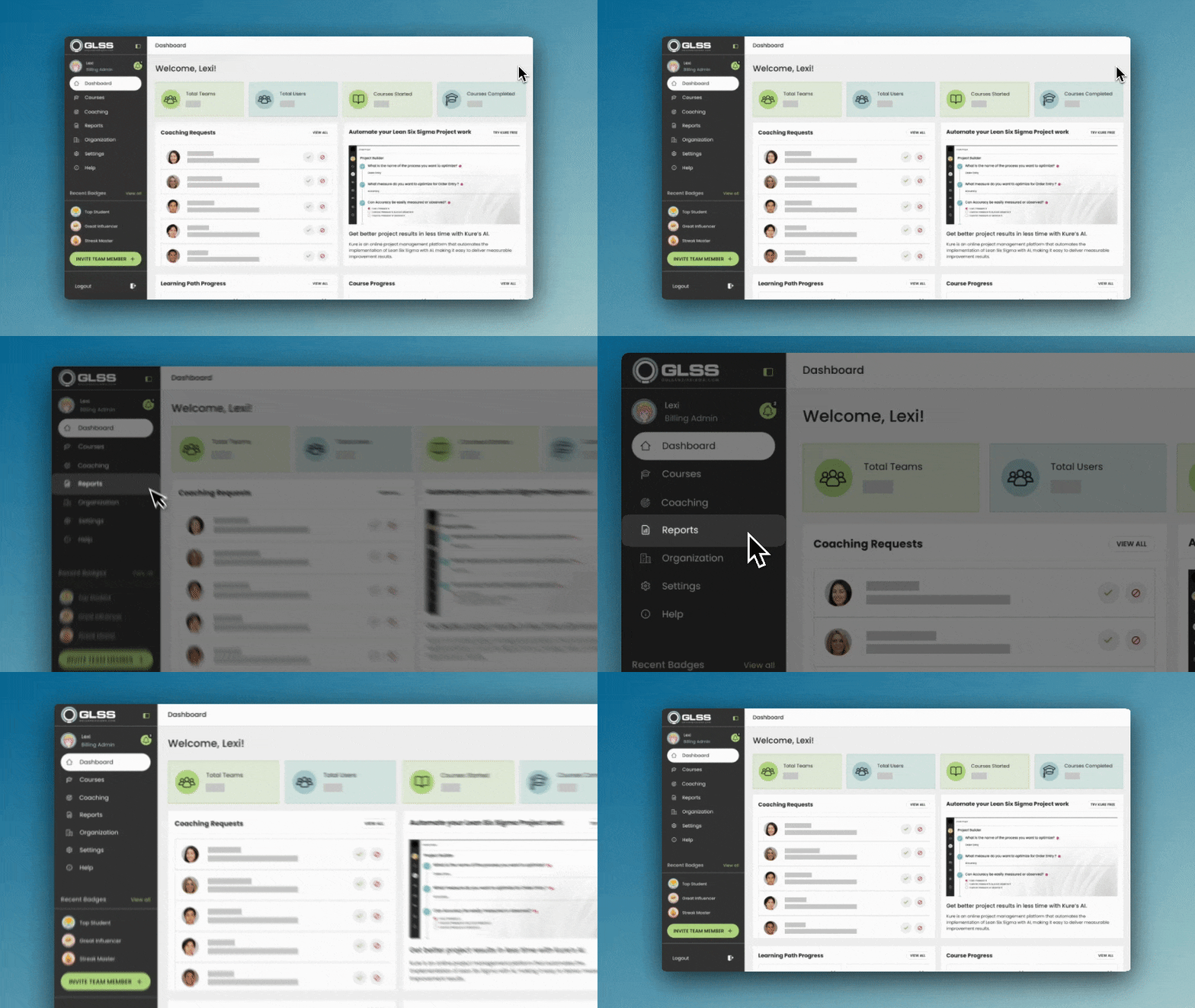
What is the Reports Dashboard?
The Reports Dashboard is your go-to tool for understanding user engagement, course progress, and overall performance within the GLSS App. It takes the guesswork out of managing training programs by giving you a clear, high-level view of how learners are participating, progressing, and completing courses.
Instead of juggling spreadsheets or manually tracking activity, the dashboard organizes all key information into one easy-to-use space. Whether you’re monitoring how many users have logged in, checking which courses are on track, or identifying where learners need a nudge, the Reports Dashboard puts powerful insights at your fingertips.
What’s New & Optimized?
We’ve streamlined the experience to make it faster, more intuitive, and more actionable than ever before. Here’s what you’ll notice:
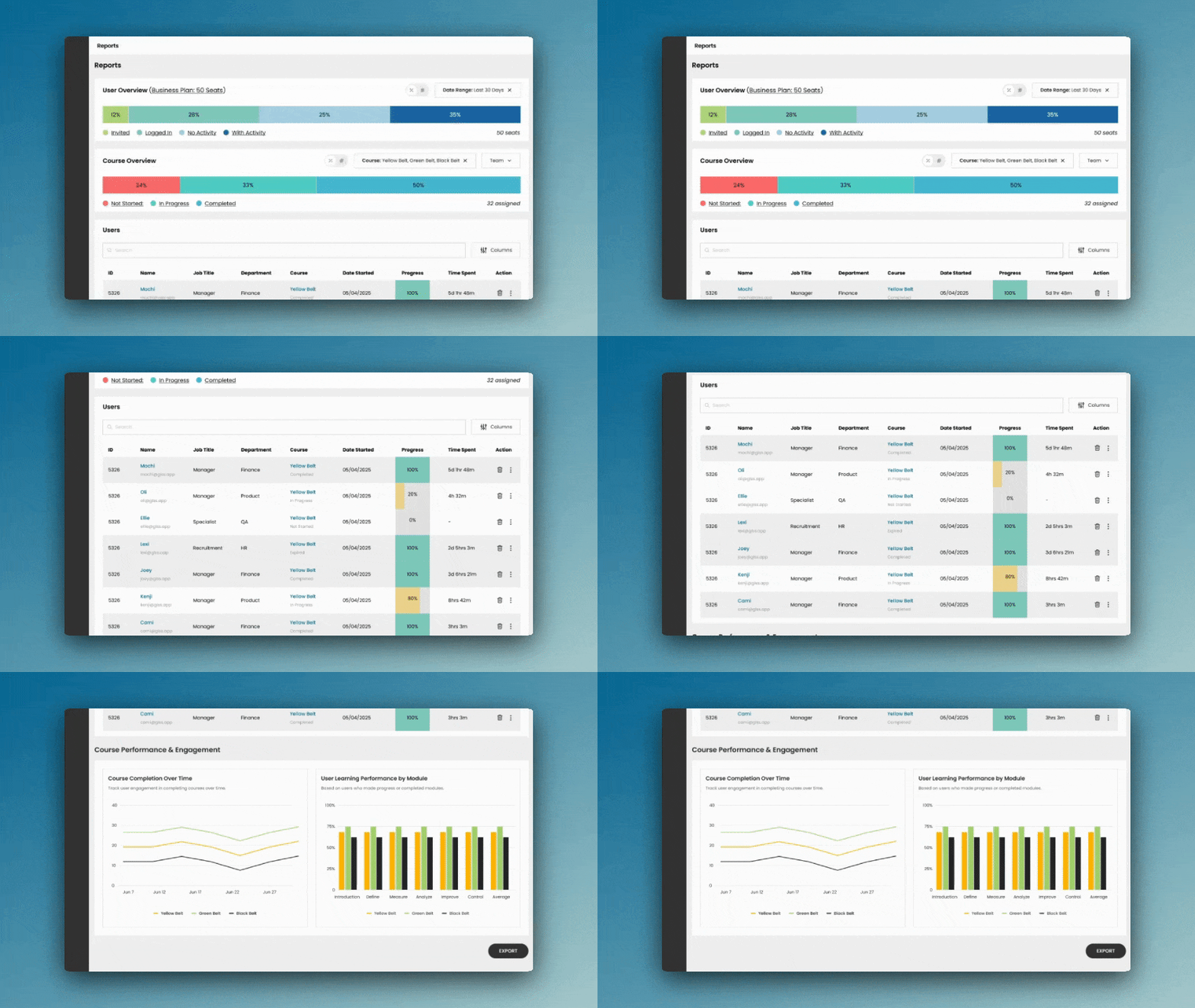
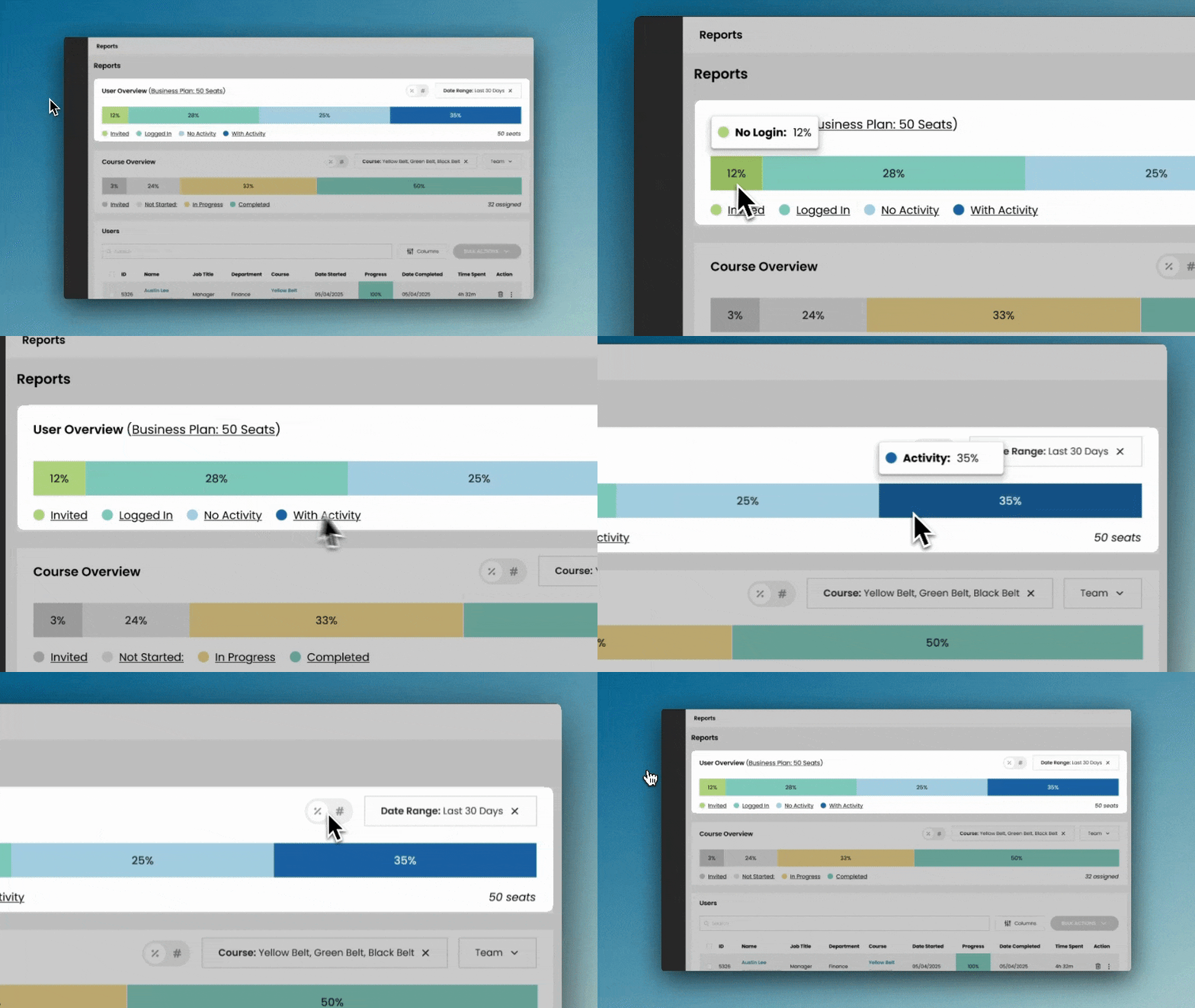
- Cleaner Layout: Information is now grouped into four clear sections so you can instantly find what you’re looking for:
- User Overview: See a clear snapshot of activity across your plan—showing who’s invited, logged in, inactive, or actively engaging—so you can quickly track participation and filter results.
- Course Overview: a high-level snapshot of training progress—showing which courses are not started, in progress, or completed—while allowing you to filter by course or team to see who’s actively learning and who may need support.
- User Table: View a detailed, customizable view of each learner with powerful search, column toggles, and individual or bulk actions to manage engagement and streamline exports.
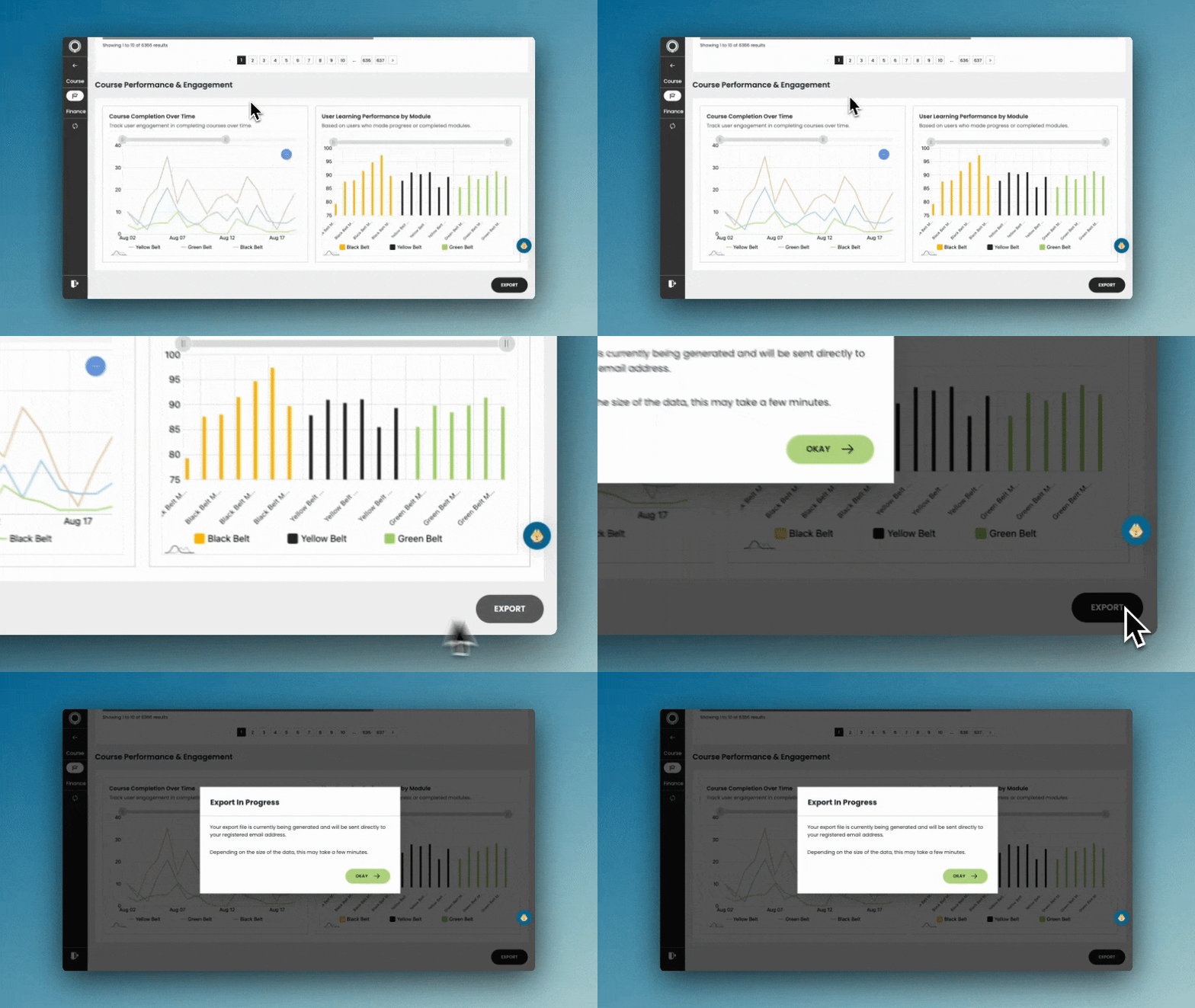
- Performance Charts: See visual insights into learning trends—track completions over time, spot engagement spikes or drop-offs, and compare progress across modules to better understand how users are advancing through each course.
- Smarter Insights: Visual charts highlight trends in course completions and module performance, helping you spot drop-offs, spikes, and opportunities for targeted support.
- Flexible Views: Toggle columns, apply filters, or search for specific learners to customize how you see your data.
- Time-Saving Actions: Send reminders, download certificates, or mark completions directly from the dashboard, either for individual users or in bulk.
- Seamless Exports: With one click, export detailed reports to Excel for sharing, presentations, or deeper analysis.
Why It Matters
The enhanced Reports Dashboard makes it easier to:
- Track engagement at both the individual and organizational level.
- Support learners by identifying who may need reminders or extra help.
- Celebrate success by highlighting completions and progress.
- Align training impact with organizational goals by understanding how teams are advancing.
In short, the dashboard doesn’t just give you data—it gives you clarity and control to make informed decisions about your training programs.